 MultiMail
No — Google has never made a Gmail desktop app for Windows, and as of 2026 there is still no official one. What you can do is give Gmail a desktop-app experience anyway, and there are exactly four honest ways to do it: install Gmail as a browser app (PWA), connect it to a classic email client, run it in a webmail wrapper, or simply keep using tabs deliberately.
This guide walks through all four, with the trade-offs each method's fans usually skip.
The short answer
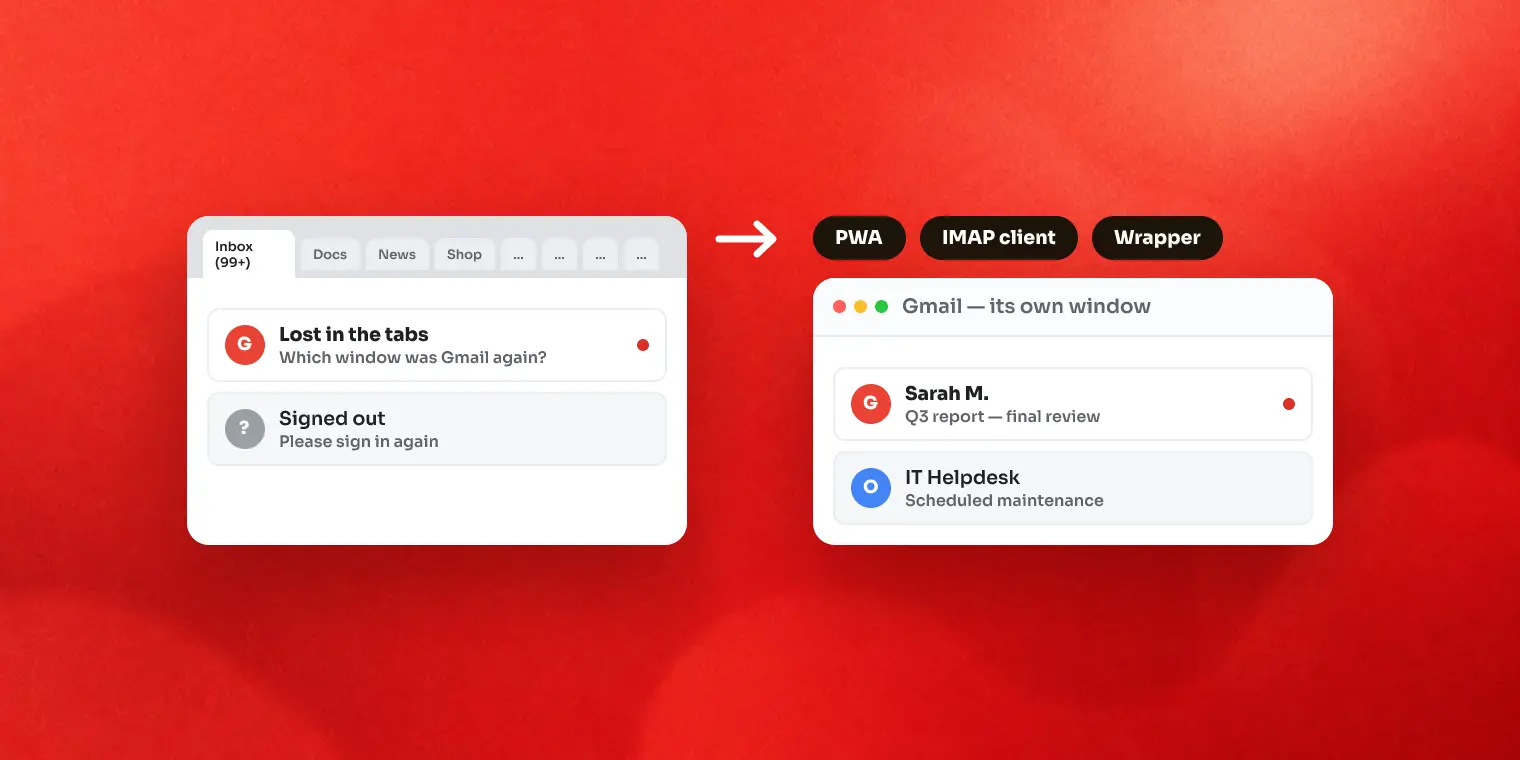
Google's position is simple: on desktop, Gmail is the website. That's why every "Gmail desktop app" you'll find is one of these:
- A PWA — Gmail's website installed by Chrome or Edge to look like an app
- An email client that syncs your mail over IMAP and shows it in its own interface
- A webmail wrapper that loads the real Gmail website inside a desktop window
- The browser you already have, with pinned tabs
Which one is right depends on two questions: how many accounts do you juggle, and do you want Gmail's real interface or a replacement for it?
Option 1: Install Gmail as a PWA (free, 10 minutes)
Both Chrome and Edge can "install" Gmail so it opens in its own window with its own taskbar icon:
- Chrome: open gmail.com → three-dot menu → Cast, save and share → Install page as app (older versions: More tools → Create shortcut, tick "Open as window").
- Edge: open gmail.com → three-dot menu → Apps → Install this site as an app.
Pin the result to the taskbar and you have something that looks exactly like a Gmail app — because it is Gmail, in a stripped browser window.
Where it falls short: a PWA is still your browser underneath. It uses one browser profile, so multiple Gmail accounts share the same cookie jar and love to sign each other out. Notifications depend on the browser running and on Windows treating that site's permission kindly — the single most common complaint (we wrote a whole troubleshooting guide about it).
Option 2: Use an email client (IMAP)
Thunderbird (free, open source), the classic Outlook desktop app, eM Client and others connect to Gmail over IMAP, download your messages, and display them in their own interface. This is the traditional "email program" model.
- Pros: offline access, local search across accounts, unified inbox views, works with almost any provider.
- Cons: you lose Gmail's actual interface — labels, the exact search operators, the compose window you know. Initial sync of a large mailbox takes time and disk. And because Google now requires OAuth for mail apps, older clients periodically break until updated.
If you love Gmail's web interface, this option replaces the thing you love. If you just want "my mail, offline, in one program", it's the right tool.
Option 3: Use a webmail wrapper
A wrapper is the middle path: a desktop app whose window shows the real gmail.com — same interface, same features — with desktop conveniences added on top. Nothing syncs through anyone's servers; you sign in to Google directly inside the app.
This is the category our app MultiMail is in, so in the spirit of honesty: the main reason to pick a wrapper is session isolation. Each account lives in its own container, so five Gmail accounts coexist without signing each other out, one keystroke apart (Ctrl+1–9 in MultiMail's case). You also get desktop toasts with the account's name and icon for Gmail and Outlook accounts, and unread badges on the taskbar.
Where wrappers fall short: no offline mail and no cross-account search — it's the live website. And each account keeps a live view, which costs RAM like having those tabs open. MultiMail is free for 2 accounts (with a small promo banner); unlimited accounts is a paid upgrade.
All four options compared
| PWA | IMAP client | Webmail wrapper | Browser tabs | |
|---|---|---|---|---|
| Gmail's real interface | Yes | No — replaced | Yes | Yes |
| Multiple accounts | Awkward (shared session) | Yes, unified | Yes, isolated side by side | Awkward |
| Notifications | Via browser, fragile | Native to the client | App's own toasts (Gmail/Outlook) | Via browser, fragile |
| Offline access | Partial (Chrome offline mode) | Yes | No | Partial |
| Cost | Free | Free–paid | Free tier + paid | Free |
| Setup | 2 minutes | 15+ min, sync wait | 5 minutes | None |
FAQ
Is there an official Gmail app for Windows?
No. Google offers Gmail apps for Android and iOS, but has never released a desktop application for Windows. On a PC, Gmail is designed to be used in a web browser — everything else is a workaround built by browsers or third parties.
Can I download Gmail from the Microsoft Store?
Not from Google. Apps in the Microsoft Store that show Gmail are third-party: either wrappers that load the real Gmail website in a desktop window, or email clients that connect to your account over IMAP. Check who the publisher is before installing.
Does Gmail work offline on the desktop?
Partially. Gmail has an offline mode (Settings → Offline) that works in Chrome and caches recent mail, and IMAP clients such as Thunderbird keep a local copy of your messages. PWAs and wrappers show the live website, so they need a connection.
Is it safe to use a third-party Gmail app?
It depends on the type. A wrapper never sees your password — you sign in on Google's own page inside the app. An IMAP client stores mail locally and signs in via OAuth. In both cases, prefer apps that state clearly that your mail doesn't pass through their servers.
Key takeaways
- There is no official Gmail app for Windows — pick your workaround deliberately
- One account, love the Gmail UI → install the PWA and move on
- Many accounts or offline needs → IMAP client
- Many accounts and you want the real Gmail UI → webmail wrapper
We build MultiMail — a Windows app that puts all your webmail accounts in one window. Learn more.