 MultiMail
Kiwi for Gmail users are hunting for alternatives in 2026 for two concrete reasons: Kiwi is retiring its legacy one-time licenses (announced for January 1, 2026, with a transition window to subscription plans of roughly $35–59/year), and public reviews increasingly mention unresponsive support. If that's you, your realistic options are another webmail wrapper, a classic IMAP client, or a free PWA — here's the honest map.
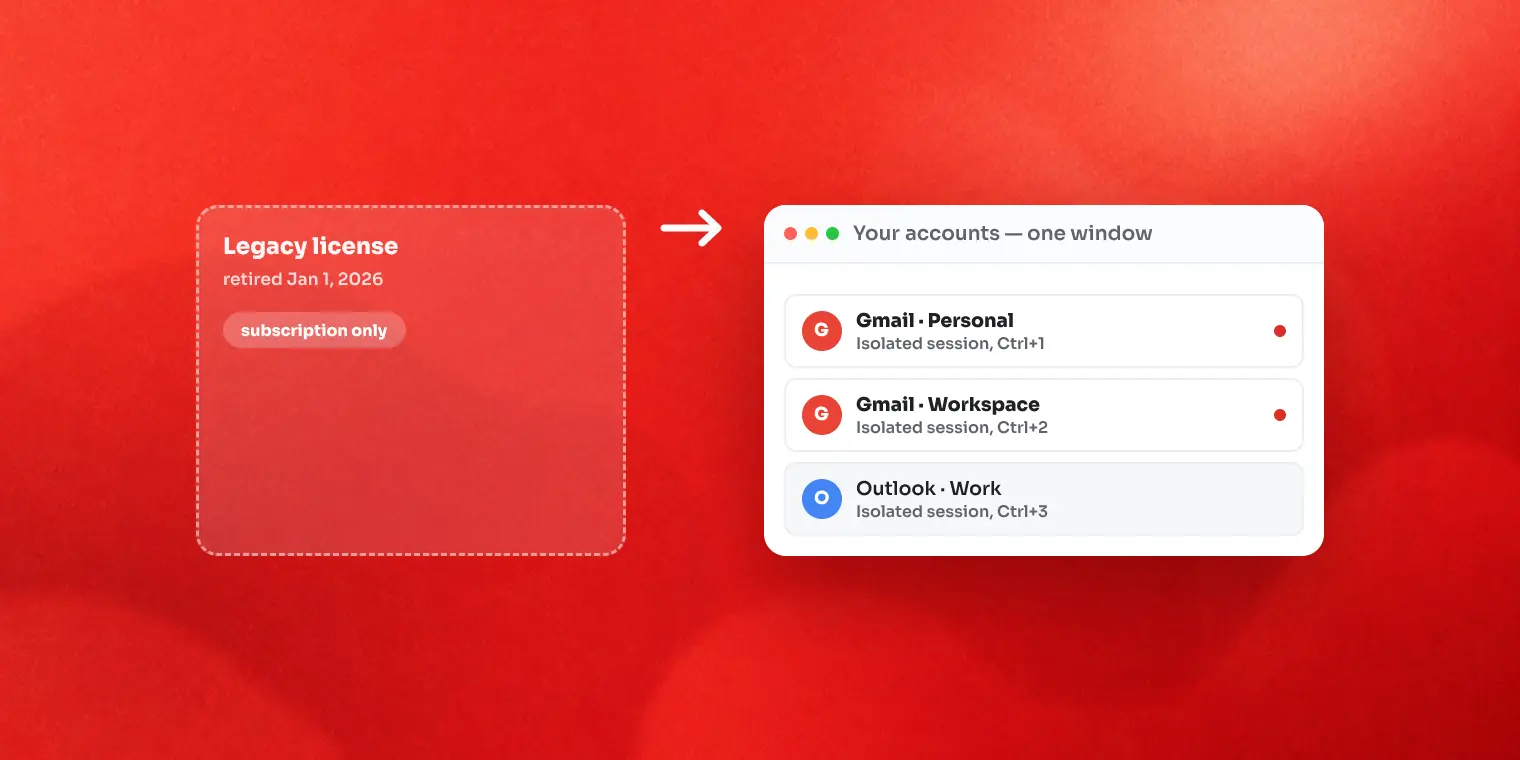
Why people are leaving Kiwi
- Legacy licenses retired. One-time purchases from earlier years stop being honored as such; continuing requires a subscription (Premium and Business tiers, per Kiwi's published pricing).
- Support complaints. Recent reviews on multiple platforms describe unanswered tickets — painful when the app is your daily email front door.
- Feature reshuffling. Reviewers also note features moving to higher tiers over time.
None of this makes Kiwi a bad app — it pioneered the Gmail-in-a-desktop-window category. But if you bought it precisely because it was pay-once, the ground moved under you.
What Kiwi got right — your shopping checklist
Whatever you switch to should preserve what made Kiwi work: the real Gmail interface (not a re-implementation), multiple accounts without sign-out roulette, and a desktop presence — its own window, taskbar icon and notifications. Keep that checklist in hand as you read.
Option 1: MultiMail — same category, one-time option intact
MultiMail is our app, and it's the most direct replacement because it's the same species: a webmail wrapper that loads the real Gmail (and Outlook, Yahoo, and 40+ other services) in one window, each account in its own isolated session with separate cookies, switchable via Ctrl+1–9 or a Ctrl+K palette.
Relevant to ex-Kiwi users specifically: the Lifetime license is a genuine one-time purchase through the Microsoft Store (subscriptions exist too, but nobody forces you onto one), and the free tier — 2 accounts, with a small promo banner — lets you verify the workflow before paying anything. Honest limits: desktop toasts and unread badges cover Gmail and Outlook accounts (other providers display fine but don't produce notification counts), and there's no offline mail — it's the live web interface.
Option 2: Shift — if you want a whole app workspace
Shift wraps not just email but dozens of web apps into one workspace — closer to a specialized browser than an email tool. If your actual goal is "all my web apps in one window", it's the category to evaluate. Two things to check against your Kiwi checklist: it's subscription-based, and it's a heavier, broader tool than a focused Gmail wrapper.
Option 3: IMAP clients — if you're ready to leave the Gmail UI
Thunderbird (free), eM Client, Mailbird and classic Outlook take a different path: sync your mail over IMAP into their own interface. You gain offline access, local search and a unified inbox; you give up the actual Gmail experience Kiwi preserved. If that trade sounds fine, our Windows Mail alternatives guide compares this category in more depth.
Option 4: The free PWA route
For a single Gmail account, installing Gmail as a PWA from Chrome or Edge recreates Kiwi's core trick — Gmail in its own window — for free. It falls apart with multiple accounts (shared browser session) and fragile notifications, both covered in our Gmail desktop app guide.
Side-by-side comparison
| MultiMail | Shift | IMAP client | Gmail PWA | |
|---|---|---|---|---|
| Real Gmail interface | Yes | Yes | No | Yes |
| Multi-account isolation | Yes, per-account sessions | Yes | Yes (synced) | No |
| One-time purchase option | Yes (Lifetime) | No — subscription | Varies by app | Free |
| Free tier | 2 accounts | Trial/limited | Thunderbird fully free | Free |
| Offline mail | No | No | Yes | Partial |
| Scope | Email-focused | All web apps | Email + PIM | One account |
FAQ
Is Kiwi for Gmail discontinued?
No — the product continues, but Kiwi announced it is retiring its older legacy (one-time) licenses as of January 1, 2026, moving affected users to subscription plans during a transition window. That change, plus reports of slow support, is why many long-time users are shopping for alternatives.
Is there a free alternative to Kiwi for Gmail?
Yes, several: installing Gmail as a PWA from Chrome or Edge is completely free; Thunderbird is free and open source; and MultiMail's free tier covers 2 accounts. Which fits depends on whether you want Gmail's real interface (PWA, wrapper) or a synced client (Thunderbird).
Does MultiMail work with Google Workspace accounts?
Yes — MultiMail loads the real Gmail web interface, so personal Gmail and Google Workspace accounts both sign in exactly as they do in a browser, each in its own isolated session.
Can I keep using my Kiwi legacy license?
Per Kiwi's own announcement, legacy plans are being retired and users have a transition window to move to a subscription. Check Kiwi's current terms for the exact deadline that applies to your license generation.
Key takeaways
- Kiwi isn't dead — but its pay-once era is, which changes the math for legacy owners
- Write down what you actually used Kiwi for; most people need the wrapper category again, not an IMAP client
- Every alternative here can be tested free — run your real workload for a week before paying
- If pay-once matters to you, verify the license terms of whatever you pick next
We build MultiMail — a Windows app that puts all your webmail accounts in one window. Learn more.